Users can only be removed from a project by an
adminAn admin is a member that has the rights to add others to a project, delete the project, edit data, and view data.
.
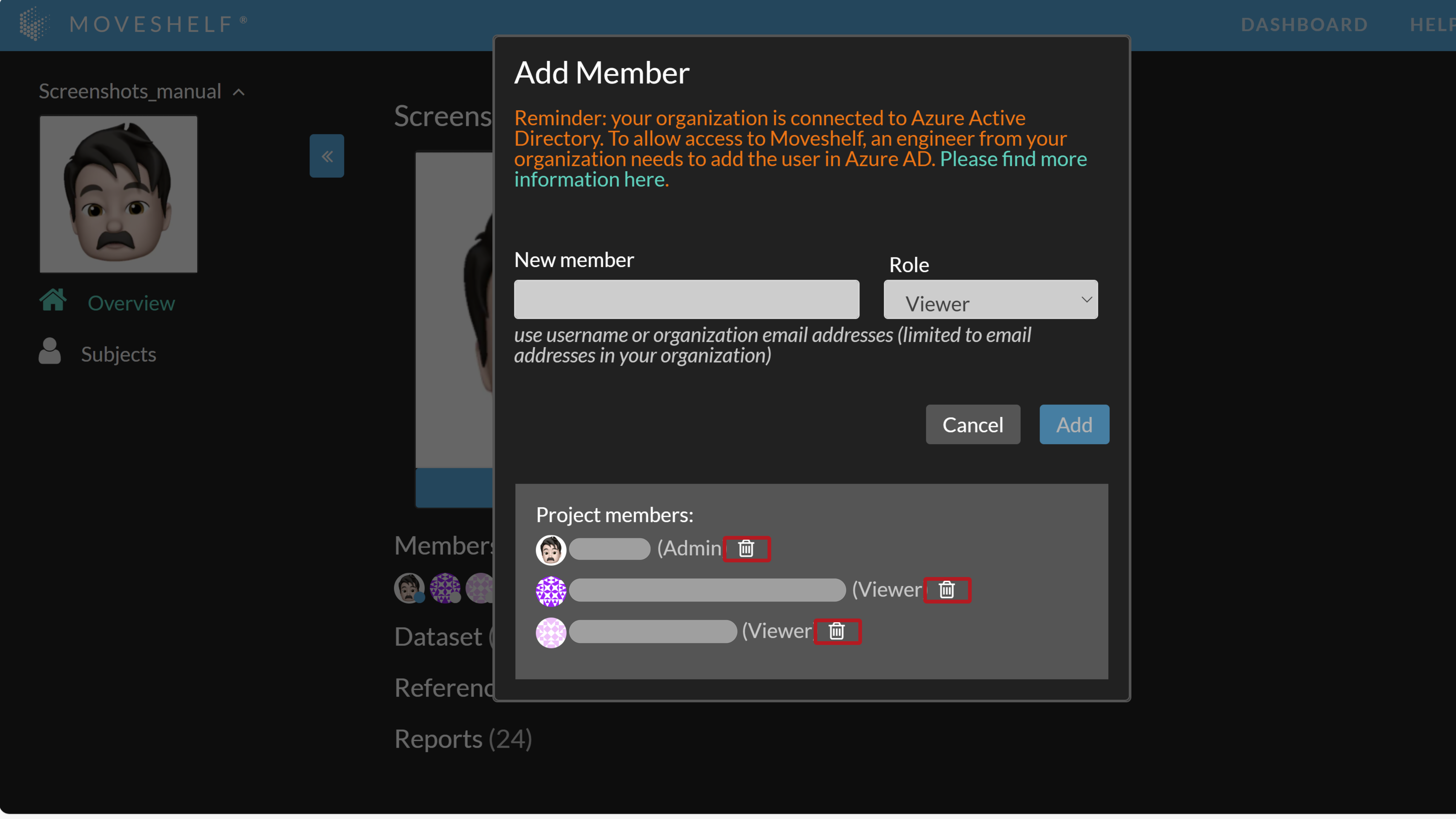
To remove a user from a project:
- Go to the project overview page and click on the plus sign as if you would add a member to your project.
- Click on the recycle bin next to the user to remove the user from the project.